AMD's Lemonade Just Made Every Nvidia-Only AI Guide Obsolete
AMD's Lemonade is an open-source local AI server for AMD GPUs/NPUs — runs LLMs, image gen, and speech with one install. Here's why it matters vs. Ollama.
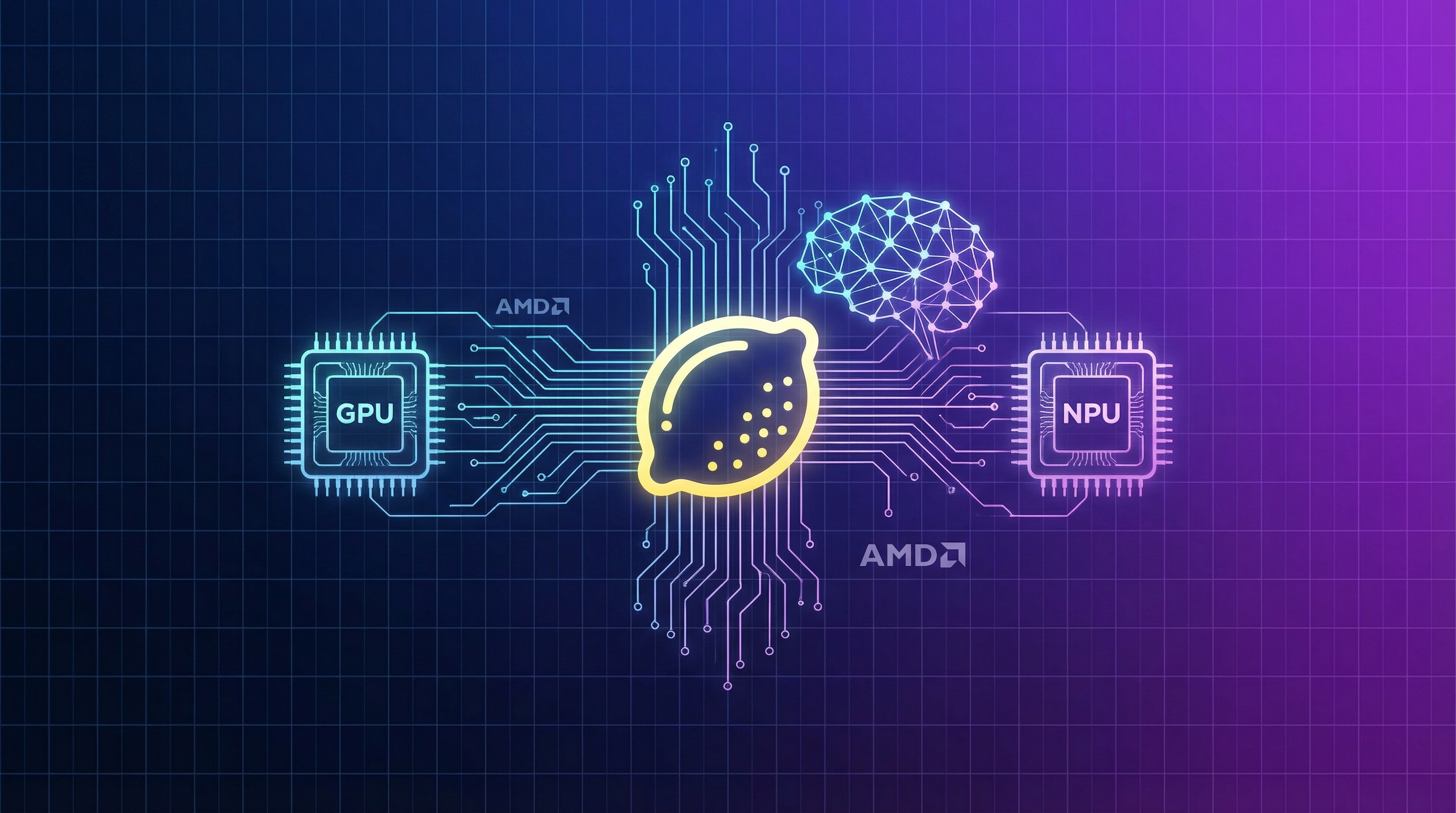
Search for "how to run LLMs locally" and count the Nvidia logos. CUDA this, CUDA that. If you own AMD hardware — and statistically, a lot of you do — the local AI ecosystem has treated you like a second-class citizen for years.
That just changed.
Lemonade is an open-source, AMD-backed local AI server that handles LLM chat, image generation, speech synthesis, and transcription — all from a single install, all running on your hardware, all private. It hit 216 points on Hacker News this week, and the discussion thread tells you everything about why AMD users are paying attention.
localhost:13305, meaning any app that talks to OpenAI (VS Code Copilot, Open WebUI, n8n, Continue, hundreds more) works out of the box — pointed at your own machine instead of the cloud. Zero tokens billed. Zero data leaving your network.Why This Matters Right Now
The local AI movement has been building momentum for two years. Ollama proved the concept. LM Studio made it pretty. But both share a dirty secret: AMD support is an afterthought. ROCm drivers are a maze. Getting llama.cpp to build with the right GPU target is a weekend project. Most users give up.
Lemonade's value proposition is brutally simple: one install, it detects your hardware, it works.
From the HN discussion, a Strix Halo user put it plainly:
But it's not just ease of use. Lemonade is the only open-source OpenAI-compatible server that offers AMD Ryzen AI NPU acceleration. That's a hardware advantage Nvidia literally cannot match — there is no Nvidia NPU in your laptop.
The Architecture: NPU + GPU Hybrid Execution
Here's where Lemonade gets technically interesting. On Ryzen AI 300/400 series chips (Strix Point, Strix Halo), it doesn't just use your GPU. It splits the workload:
Prompt processing (prefill) → Offloaded to the NPU, which has superior compute throughput for this specific task. This minimizes Time To First Token (TTFT) — the delay before the model starts responding.
Token generation (decode) → Handed to the integrated GPU (iGPU) or discrete GPU, which has better memory bandwidth for sequential token generation.
This hybrid approach is why a Ryzen AI laptop can feel snappier than raw token-per-second numbers would suggest. The NPU handles the expensive upfront computation while the GPU streams the response.
Benchmarks: What Can You Actually Expect?
Let's talk numbers. These are from AMD's own benchmarks on a Ryzen AI 9 HX 370 laptop (Radeon 890M, 32GB LPDDR5X-7500) running DeepSeek-R1-Distill-Llama-8B at INT4:
| Context Length | Time to First Token | Tokens/Second |
|---|---|---|
| 128 tokens | 0.94s | 20.7 tok/s |
| 256 tokens | 1.14s | 20.5 tok/s |
| 512 tokens | 1.65s | 20.0 tok/s |
| 1024 tokens | 2.68s | 19.2 tok/s |
| 2048 tokens | 5.01s | 17.6 tok/s |
Those are integrated graphics numbers. Not a $1,500 discrete GPU — a laptop chip.
From the HN community, Strix Halo users (which have more powerful iGPUs and up to 128GB unified memory) report significantly better results:
50 tokens per second on a 120B parameter model, running on a desktop APU with no discrete GPU. That's fast enough for real-time chat, coding assistance, and agentic workflows.
Setup: From Zero to Running in Under 5 Minutes
Windows (Recommended — Best Hardware Support)
# 1. Download the installer from GitHub
# https://github.com/lemonade-sdk/lemonade/releases/latest
# Run Lemonade_Server_Installer.exe

# 2. Select your models during installation
# The installer auto-detects your GPU/NPU and configures backends

# 3. Launch from desktop shortcut — that's it.
# Server runs at http://localhost:13305
Linux (Ubuntu/Fedora)
# Ubuntu (snap)
sudo snap install lemonade-server

# Ubuntu (PPA) — for ROCm GPU support
sudo add-apt-repository ppa:lemonade-sdk/stable
sudo apt update && sudo apt install lemonade-server

# Fedora (RPM)
sudo dnf install lemonade-server

# Start the server
lemonade run Gemma-3-4b-it-GGUF
macOS (Beta)
# Install via the official installer
# https://lemonade-server.ai/install_options.html#macos

# Or build from source
pip install lemonade-sdk
lemonade run Gemma-3-4b-it-GGUF
Docker
docker pull ghcr.io/lemonade-sdk/lemonade:latest
docker run -p 13305:13305 ghcr.io/lemonade-sdk/lemonade:latest
Once running, pulling and switching models is dead simple:
# Browse available models
lemonade list

# Pull a model
lemonade pull Gemma-3-4b-it-GGUF

# Run it
lemonade run Gemma-3-4b-it-GGUF

# Run image generation
lemonade run SDXL-Turbo

# Run speech synthesis
lemonade run kokoro-v1

# Run transcription
lemonade run Whisper-Large-v3-Turbo
Connecting Apps: The OpenAI-Compatible Trick
This is where Lemonade shines over raw llama.cpp. Because it exposes an OpenAI-standard API, any app that supports custom OpenAI endpoints works immediately:
from openai import OpenAI

client = OpenAI(
    base_url="http://localhost:13305/api/v1",
    api_key="lemonade"  # required but unused
)

response = client.chat.completions.create(
    model="Llama-3.2-1B-Instruct-Hybrid",
    messages=[{"role": "user", "content": "Explain quantum computing"}]
)
print(response.choices[0].message.content)
That same endpoint works with:
- VS Code Copilot (via the official Lemonade extension)
- Open WebUI (point it at
localhost:13305) - Continue (IDE coding assistant)
- n8n (workflow automation)
- Any OpenAI SDK in Python, Node.js, Go, Rust, C#, Java, Ruby, PHP
The Lemonade team has a full walkthrough of the Open WebUI integration that shows the setup in action:
Lemonade vs. Ollama: The Honest Comparison
Everyone wants this comparison, so let's do it properly.
| Feature | Lemonade | Ollama |
|---|---|---|
| Primary focus | AMD optimization + multi-modality | Cross-platform model serving |
| GPU support | ROCm (AMD), Vulkan, Metal (beta) | CUDA (Nvidia), ROCm, Metal |
| NPU support | ✅ XDNA2 (Ryzen AI 300/400) | ❌ None |
| Modalities | Chat, Vision, Image Gen, TTS, STT | Chat, Vision |
| API compatibility | OpenAI, Ollama, Anthropic | Ollama, OpenAI (partial) |
| Backend | llama.cpp, FastFlowLM, sd-cpp, whisper.cpp | llama.cpp |
| Install | OS packages + GUI installer | Single binary |
| Multiple models | ✅ Simultaneously | One at a time (without workarounds) |
| Mobile app | ✅ iOS + Android | ❌ |
| Binary size | ~2MB (server) | ~200MB |
| OS support | Windows, Linux, macOS (beta) | Windows, Linux, macOS |
Bottom line: If you're on AMD hardware, Lemonade is the better choice — it's specifically optimized for your silicon and does more (image gen, speech, transcription). If you need Nvidia CUDA support or the simplest possible cross-platform install, Ollama is still the safer bet.
One HN user ran a direct comparison on an M1 Max MacBook:
Not a rigorous benchmark, but worth noting: Lemonade isn't just an AMD story. It's competitive on Apple Silicon too.
The NPU Question: Is It Worth It?
The NPU (Neural Processing Unit) is the most debated part of Lemonade. Here's the honest picture:
What NPUs are good for:
- Low-power "always-on" inference for small models (1-4B parameters)
- Accelerating prompt processing (prefill) in hybrid mode
- Running AI tasks without touching your GPU — so your GPU stays free for gaming or rendering
What NPUs are NOT good for (yet):
- Running large models (>10B parameters) — they lack the memory bandwidth
- Matching discrete GPU speeds for raw token generation
- General-purpose inference workloads
One commenter captured the NPU's real value perfectly: it's about power efficiency, not peak performance. An NPU running a 3B model uses a fraction of the watts your GPU would — which matters enormously on a laptop.
What's Coming Next
The Lemonade roadmap is active and ambitious:
- MLX support — for better Apple Silicon performance (under development)
- vLLM support — for high-throughput serving scenarios (under development)
- More whisper.cpp backends — expanding transcription hardware support
- Enhanced custom model support — easier GGUF/ONNX imports from Hugging Face
The project already has native integrations with n8n, VS Code Copilot (official extension), Morphik, DeepTutor, Dify, and a growing marketplace of apps.
And with Ubuntu 26.04 LTS ("Resolute Raccoon") adding native AMD NPU support, Linux users are about to get first-class treatment too. Lemonade 10.0 shipped Linux NPU support powered by FastFlowLM — the first working end-to-end path for LLM inference on AMD NPUs under Linux.
The Bigger Picture
The llama.cpp creator Georgi Gerganov just joined Hugging Face — a consolidation event for the open-source local AI stack. Meanwhile, Google's TurboQuant paper demonstrated KV cache compression to 3 bits, potentially slashing the memory requirements that make local inference hard. These aren't isolated events. The infrastructure for running capable AI models on consumer hardware is converging fast.
Lemonade exists because that frustration is real, widespread, and fixable. It doesn't try to be everything — it tries to be the thing that makes AMD hardware actually usable for local AI without a PhD in ROCm driver configuration.
If you've got AMD silicon sitting under your desk or in your laptop, give it a shot. The install is a few minutes, the API is standard, and the models are free. Worst case, you learn something. Best case, you never send another token to the cloud.
Links:
- Lemonade Server — Official site
- GitHub Repository — Source code + releases
- Lemonade Discord — Community support
- AMD Developer Article — Technical deep-dive
- Hacker News Discussion — Community reactions
New to running AI locally? Check out our complete guide to running AI locally in 2026 and our roundup of the best AI coding assistants compared.
About ComputeLeap Team
The ComputeLeap editorial team covers AI tools, agents, and products — helping readers discover and use artificial intelligence to work smarter.
💬 Join the Discussion
Have thoughts on this article? Discuss it on your favorite platform:
Related Articles
DeepSeek-TUI Setup Guide: Rust Coding Agent on V4 Flash
Install DeepSeek-TUI, configure V4 Flash, run your first session, and decide when to use it vs Claude Code or cc-switch routing.
Cut Claude Code Token Costs 60-90% With rtk: Hands-On Guide
Stop dumping raw terminal output into Claude Code's context. rtk is a Rust CLI proxy that filters git, cargo, and npm output for 60-90% savings.
Chrome's Gemini Nano Prompt API: A Step-by-Step Guide
Enable the flag, call window.ai, stream from a 4GB local LLM. The full Chrome Prompt API setup with a hosted-API fallback for unsupported browsers.
The ComputeLeap Weekly
Get a weekly digest of the best AI infra writing — Claude Code, agent frameworks, deployment patterns. No fluff.
Weekly. Unsubscribe anytime.